The TetraPoland app
An ordinary phone turned into a software TETRA terminal. You connect to the network over mobile data or Wi-Fi and get what a radio gives you — group and private calls, messages, scanning and the map — without buying hardware. The same app on Android and on iPhone.
In brief
- What it is
- A software TETRA terminal for a phone — it works over the internet, not over the air
- Platforms
- Android 1.8.15 and iPhone 1.1.10 (86) — the same features apart from the exceptions listed in the manual
- Connectivity
- Mobile data or Wi-Fi; no radio required
- Signing in
- Callsign, a DMR ID from radioid.net and the SELF CARE password from BrandMeister
- Installation
- Android — an APK from this site, with automatic updates; iPhone — TestFlight
- Requirements
- An Android phone, or an iPhone from iOS 16.0
- Languages
- Polish and English — switched in the app settings
- Price
- Free — a community project, not a commercial product
Screenshots
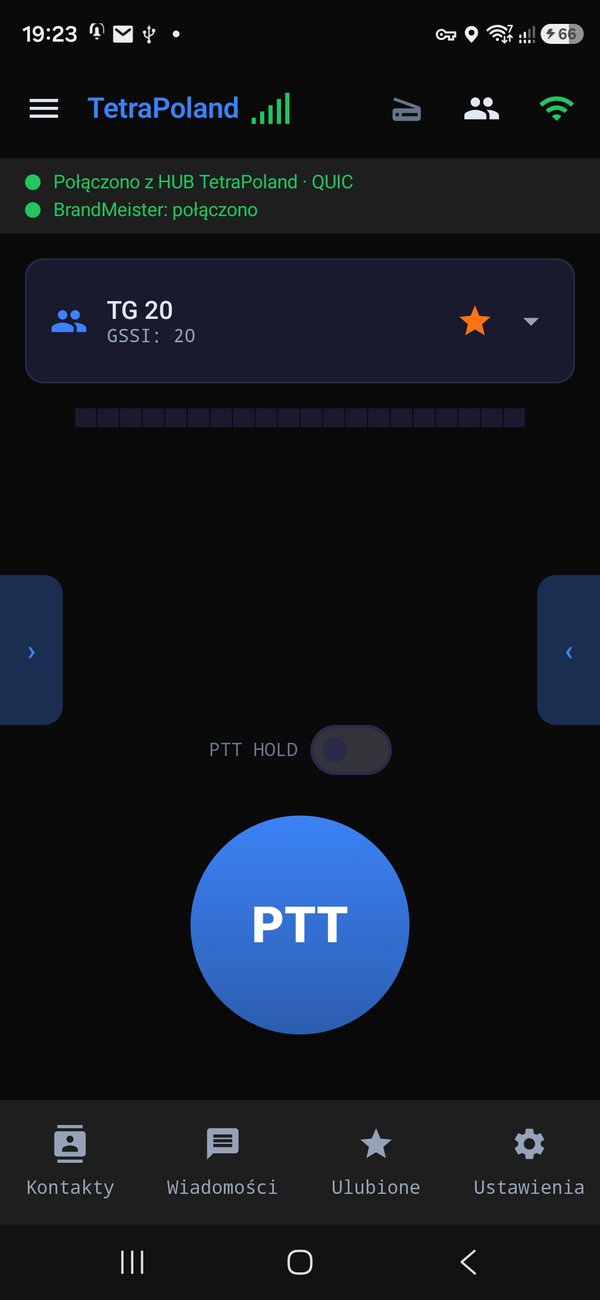
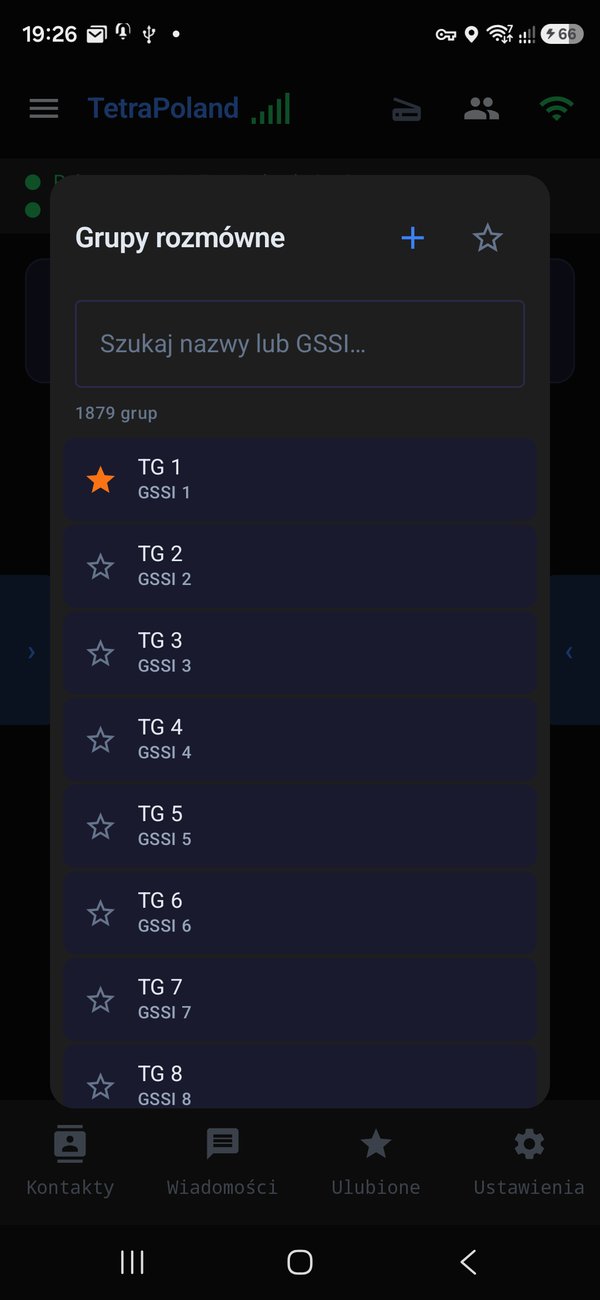
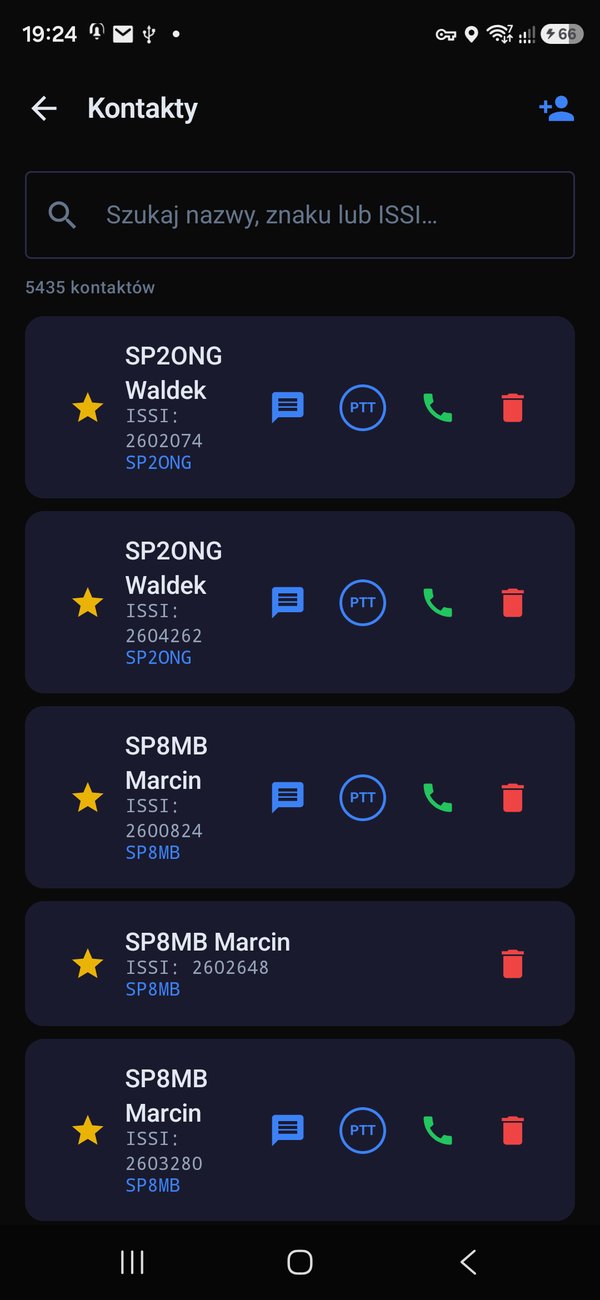
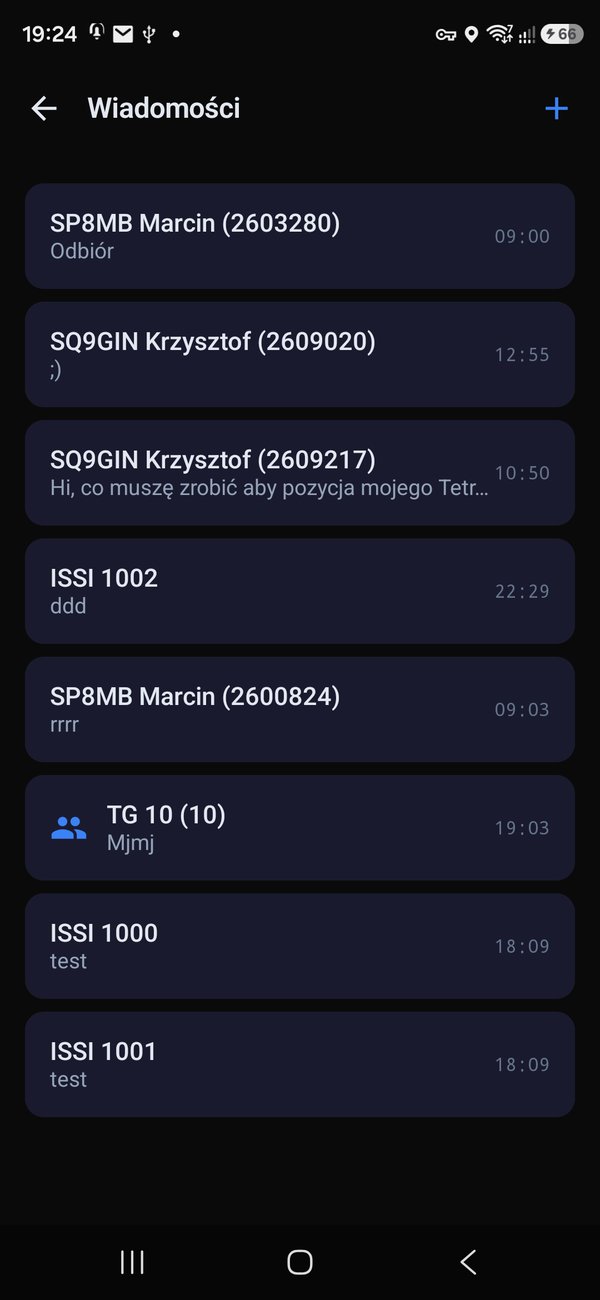
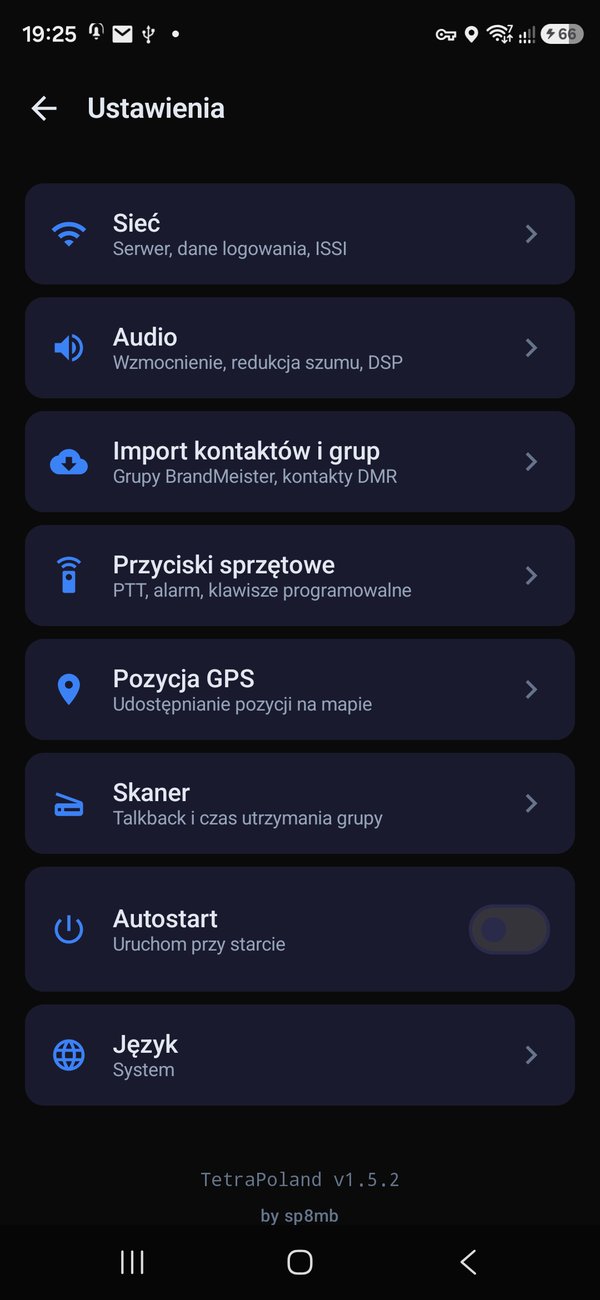
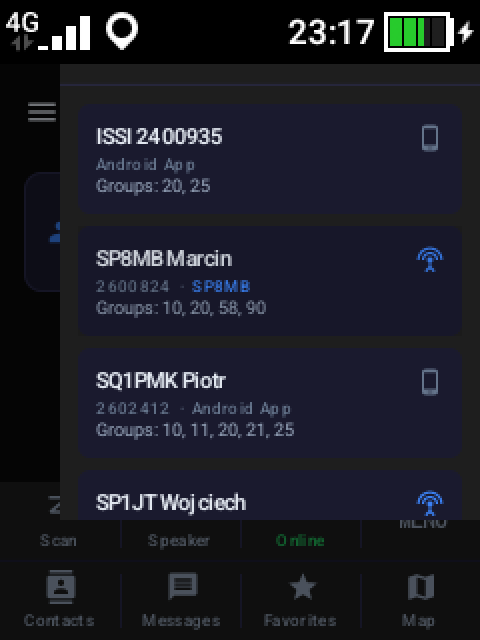
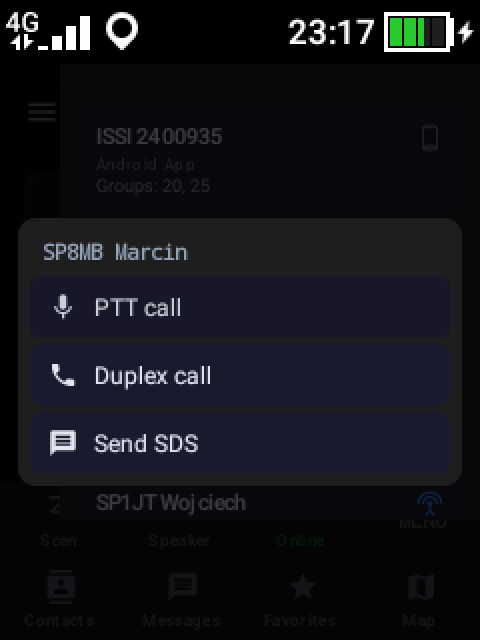
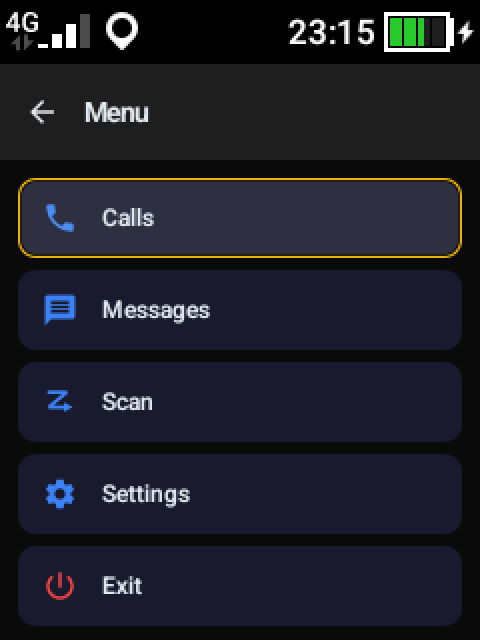
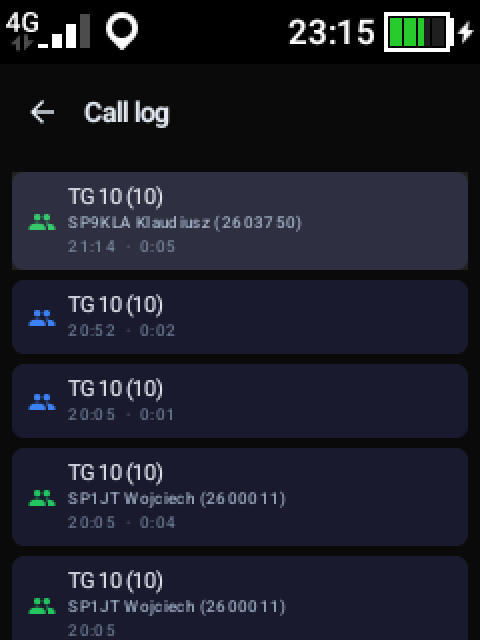
TetraPoland PoC on the Hytera P50
A separate app for PoC radios with no touchscreen — a 240×320 screen, driven entirely from the keys: the D-pad, the PTT trigger, the channel knob, Menu and Back. It downloads from the same page as the phone version.
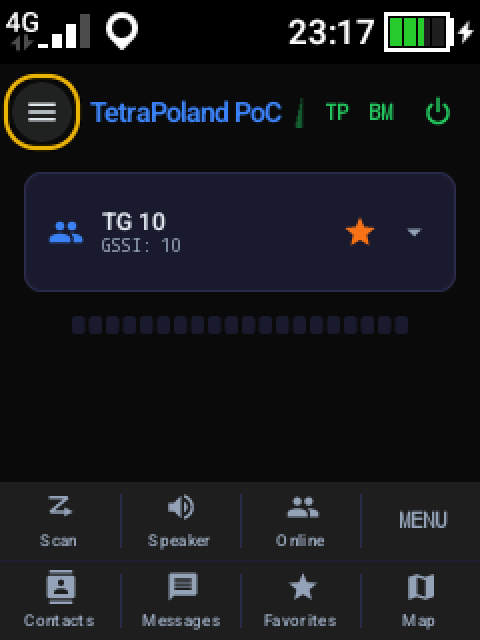
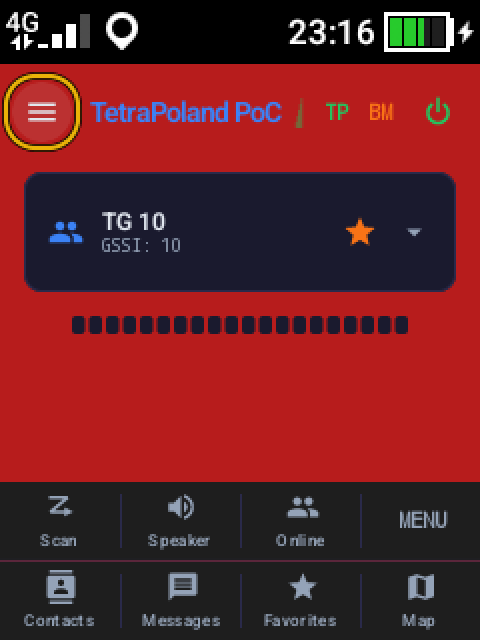
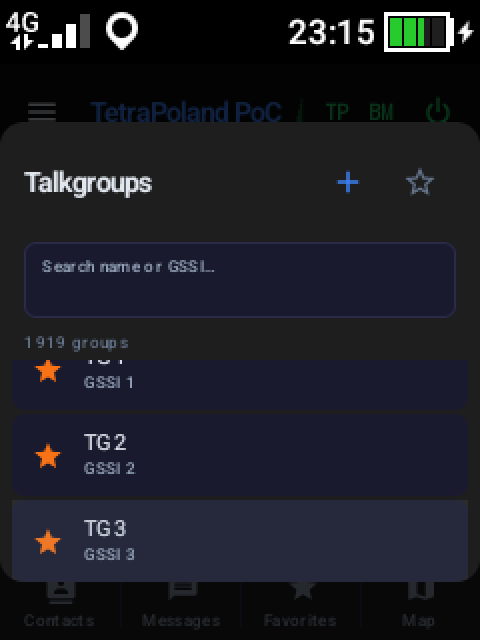
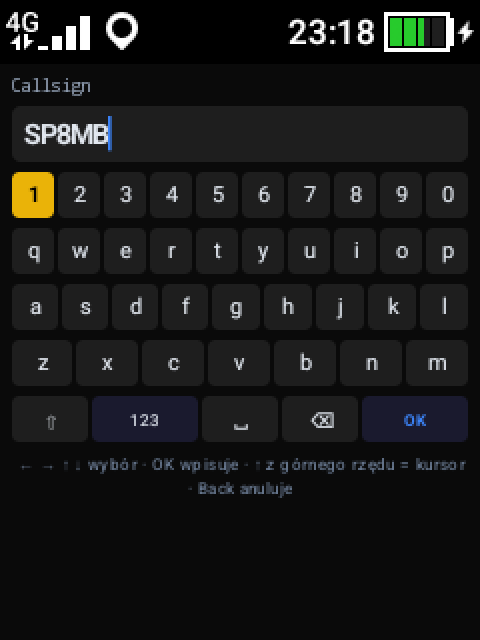
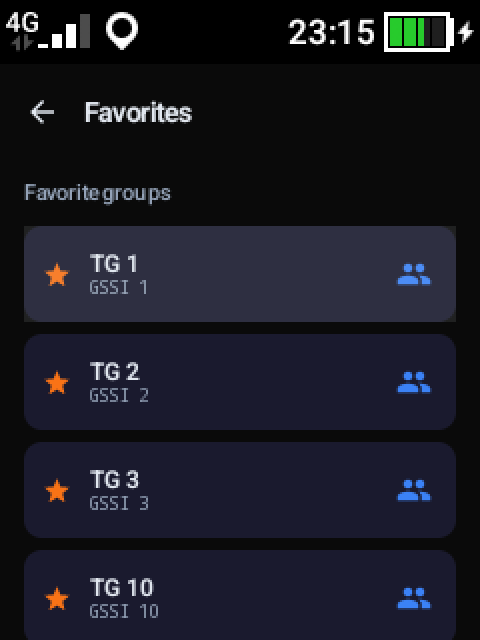
Android and iPhone
Both apps do the same things and look nearly identical. The differences come from what each system allows — iOS lets no app near the phone’s physical keys, and it does not allow distribution outside the App Store.
Android
- Amateur digital networks alongside TETRA — BrandMeister, DMR Homebrew, YSF, FCS, M17 and NXDN
- Physical keys on PoC radios, including key learning
- Audio presets and advanced transmit DSP
- Track recording to GPX and SDS quick replies
- A Wear OS watch app
- Automatic updates with a digital signature
iPhone
- Group and private calls, scanning, SDS and the map — as on Android
- Digital networks: voice on BrandMeister, Homebrew, YSF and FCS; M17 and NXDN silent for now
- Integration with the system call screen (CallKit)
- Wireless PTT button over Bluetooth LE
- Bluetooth SCO switched automatically
- Requires iOS 16.0; updates through TestFlight
Operating manual
The complete app manual is on this site — twenty-two chapters with screenshots, one document for both platforms. Read it in the browser or take the printable PDF.
- The SELF CARE password — where to get it and which characters to avoid
- Network settings: callsign, DMR ID, setting up a private call
- Talkgroups, favourites and the split between the TetraPoland network and BrandMeister
- Scanning with priorities, contacts and the DMR database import
- Audio, Bluetooth buttons and the physical keys of PoC radios
- Background operation and battery, then troubleshooting and known limitations
Features
The lists below are the same single project status shown on the catalogue cards — one per platform, including what is still in development.
Android
Features
- Group PTT calls (RX/TX) with floor control
- Individual calls (half/full-duplex)
- Sign in with your BrandMeister network credentials
- SDS messages — individual and group, with delivery reports and quick replies
- Talkgroup scanning with hold, priority and DSP presets
- GPS position reporting to the tetra-poland.pl map and GPX track logging
- Bluetooth LE PTT buttons (PTT-Z01, AnyTone, HM-10)
- Hardware PTT and Bluetooth SCO headset
- Own ACELP codec implementation per the ETSI specification
- QUIC transport (Brew-over-QUIC) — fast resume after a network change
- High-quality audio (jitter buffer, AGC, noise reduction)
- Runs continuously in the background
- Contact list and call history
- HTTP Digest auth + TLS
Digital networks alongside TETRA (since 1.8.3)
- BrandMeister — a catalogue of every master, marking the ones that answer
- DMR Homebrew — XLX, FreeDMR, DMR+, HBlink, TGIF (over a thousand servers)
- YSF and FCS (System Fusion) — rooms picked exactly like talkgroups
- M17 — connection with the callsign in every frame
- NXDN — connection and traffic view
- Groups 1–90 always stay; above them the chosen network decides
- Network from the menu, server from a searchable catalogue
- A direct link to the network, with no TetraPoland hub in between
What has not been tested yet
In development
iPhone
Features
- Group PTT calls — transmit and receive
- Private calls — simplex and full-duplex
- Full-duplex calls integrated with iOS (CallKit) — on the lock screen, like a regular phone
- Automatic hang-up of a simplex call after a short idle
- Call setup tones (ringback)
- Talkgroup scanning with answering on the scanned group
- PTT beep and an optional roger beep audible to the other side
- The tetra-poland.pl map built into the app
- Receive-quality bars with a threshold legend
- Reception mixes with music and podcasts instead of pausing them
- The radio survives a phone call — reception comes back on its own, no re-login
- Sign in only with a BrandMeister-verified DMR ID
- Optional GPS position reporting to the tetra-poland.pl map
- ACELP codec core shared with the Android version, per the ETSI specification
- QUIC / WSS transport to the TetraPoland hub
Digital networks alongside TETRA (since 1.1.4)
- BrandMeister — straight to a master, no hub in between; a green or red dot shows which ones answer
- DMR Homebrew — XLX, FreeDMR, DMR+, HBlink, TGIF
- YSF and FCS (System Fusion) — fourteen hundred YSF reflectors alone
- M17 and NXDN — connection and traffic view
- Voice today: BrandMeister, Homebrew, YSF and FCS
- Groups 1–90 always stay; above them your starred rooms from the chosen network
- Every network with its own searchable catalogue
What you cannot hear yet
In development
How to install
Frequently asked
What is the TetraPoland app?
It is a software TETRA terminal for a phone, working in a PTT-over-Cellular model: instead of transmitting over the air, it reaches the network over mobile data or Wi-Fi. It gives you PTT group calls with floor control, half- and full-duplex private calls, SDS messages, talkgroup scanning, contacts, a map with GPS position and support for wireless PTT buttons.
Do I need a radio?
No. The app is a terminal in its own right — a phone is enough. A radio matters when you want to work over the air, through a TetraSpot station; the app and the radios see each other on the same network.
What do I need to sign in?
Three things: a callsign, a DMR ID from radioid.net and the SELF CARE password from BrandMeister (SelfCare → Hotspot Security). Note that this is the hotspot password, not the password to your BrandMeister web account. The manual explains where to get it and which characters to avoid in it.
Do I need an amateur radio licence?
In practice yes — a DMR ID is issued against a callsign, and without a DMR ID and a SELF CARE password you cannot sign in. The app itself transmits nothing over the air, but the network it joins is an amateur network.
How does the iPhone version differ from Android?
Calls, talkgroups, scanning, messages, contacts and the map work the same. Android additionally handles the physical keys of PoC radios, audio presets and advanced DSP, GPX track recording, SDS quick replies and a Wear OS watch app — several of those iOS simply does not permit. The full difference table is the last chapter of the manual.
Where do I get the app?
From the Download page. On Android you take an APK — later releases the app fetches by itself. On iPhone it goes through TestFlight, because iOS does not allow distribution outside the App Store; the link and the invite code are on that page.
Does it keep working with the phone in a pocket?
Yes, but you have to let it: both platforms will put a backgrounded app to sleep to save battery. The manual has a chapter of its own on background operation, listing the settings to change on each platform so the connection does not drop.
Where is the operating manual?
On this site — the full manual lives at tetra-poland.pl/en/app-manual, in English and Polish, with screenshots from the running app. There is a printable PDF as well. There is no advanced edition and none is planned: the app has nothing to configure beyond what the Settings screen shows.
The rest of the ecosystem
The app is one of the network’s terminals. At the other end of the link stands TetraSpot — our TETRA base station on a Raspberry Pi — and next to it Multi-Radio, an ATAK tactical-map plugin and network analyzers. All of it is described in the project catalogue.